

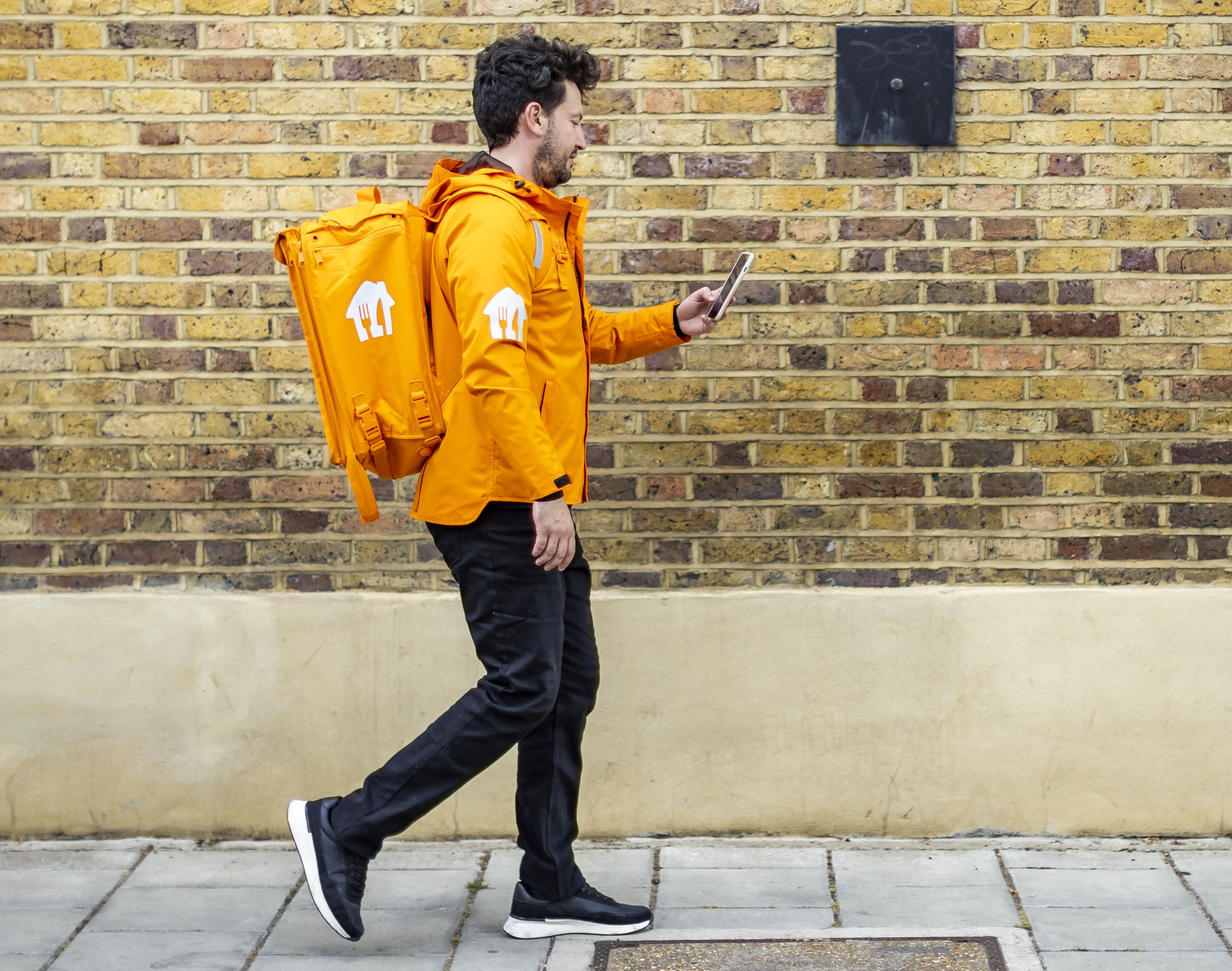
Here’s a quick rundown on how offer matching works.
🌐 Matching Offers:
Offers are matched based on the estimated delivery time, distance, and your acceptance rate. Stay in your zone, keep a high acceptance rate, and hang in hotspot areas for speedy matches.
👍 Accepting Offers:
When you’re on the road, offers pop up. You’ll see details like partner, customer, payment, distance, and your acceptance rate. Long press ‘Accept’ in a minute or it goes to someone else.
📲 Stay Active:
Keep the app open to seize opportunities. Keep it awake by toggling ‘Keep Screen Awake’ in Profile > Options > App Settings > Accessibility.
🙅♂️ Declining Offers:
Decline by tapping or waiting for the timer.
⏸️ Pause Offers:
Pause on the run? Hit the three dots, ‘Pause Offers,’ and tap to pause. Paused over 30 mins? You’re auto-checked out, but you can check back in any time.
🧐 Check Orders:
Before leaving the partner, double-check that order number.
🏁 End Your Run:
Ready to wrap up? Long tap the three dots, ‘End run.’ Need to end after accepting? Chat with us to unmatch.
For anything else, take a look at our help centre or you can now contact us through our new courier support form here.


