

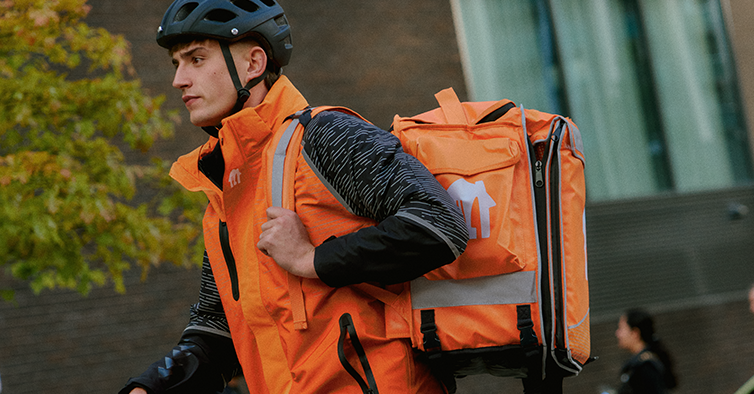
Your delivery gear has been with you through rain, shine, and countless runs – and it's looking a little worn? No worries, we've got you covered!
🛒 How to order
Head to the Courier Webshop and log in using the same credentials you use for your Lieferando Courier App. Browse the gear and add what you need to your basket.
📦 What's in the kit?
Each kit includes a helmet, 3-in-1 jacket, and backpack to keep you comfortable and visible while delivering on the Lieferando network. Each item needs to be picked manually during the order process. Make sure you choose the right size for you.
🎟️ Getting your free kit
If you're eligible for a new kit, use the code VORTEIL100 at checkout to get it sent to you for free. Gear typically has a lifetime of at least 6 months, so if it's been that long since you received your current kit, you should be good to go!
❌ Code not working?
If the code doesn't work, it means you're not yet eligible for a free kit. You can either wait until you become eligible, or purchase one directly – you'll see the price in the webshop.
If it's been longer than 6 months since you received your gear and the code still isn't working, reach out to our team via the app chat and we'll help you out.


